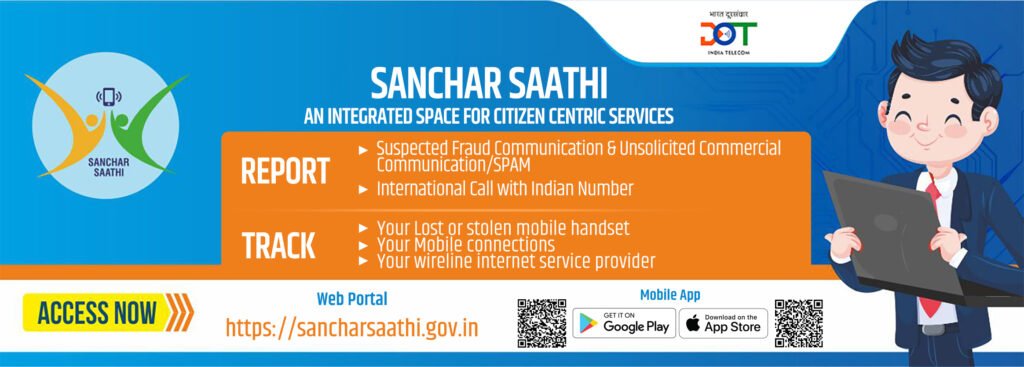
The digital world brings great convenience, but it also brings risks from lost phones to complex online fraud. To help citizens navigate this, the Government of India launched the Sanchar Saathi app (and web portal).
Recently, this app has been in the news due to a directive requiring it to be pre-installed on all new smartphones sold in India.
This move has started a big discussion: Is Sanchar Saathi a vital security tool we all need, or does it introduce new questions about our digital privacy?
Let’s break down what this app actually does and why it has become such a hot topic.
What Sanchar Saathi Does (The User’s Friend)
At its core, Sanchar Saathi is a citizen-focused platform from the Department of Telecommunications (DoT) designed to increase telecom security and prevent the misuse of mobile connections. It puts several powerful tools directly into the hands of the mobile user.
1. Stopping Mobile Theft (The CEIR System)
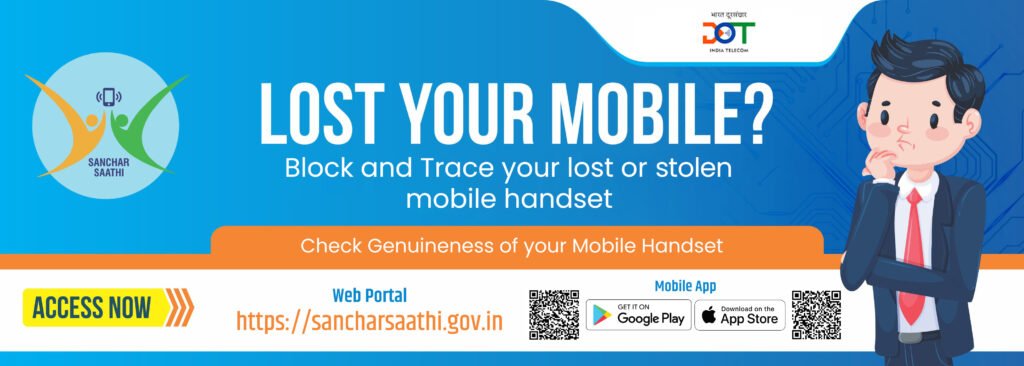
Losing a phone is stressful. The Sanchar Saathi platform is directly linked to the CEIR (Central Equipment Identity Register), which is a national database of all mobile phone IMEI numbers.
How does Sanchar Sathi help in retrieving your device or important data?
- If your phone is lost or stolen, you can report it on the portal.
- Once reported, the phone’s unique IMEI number is blocked across all Indian telecom networks.
- This means the phone cannot be used with any SIM card in the country, effectively turning the stolen device into a useless brick for the thief.
- It also helps police trace the device.
2. Checking Connections and Devices
Have you ever worried that someone might have taken a SIM card using your name or ID without you knowing?
Know Your Connections (KYC):
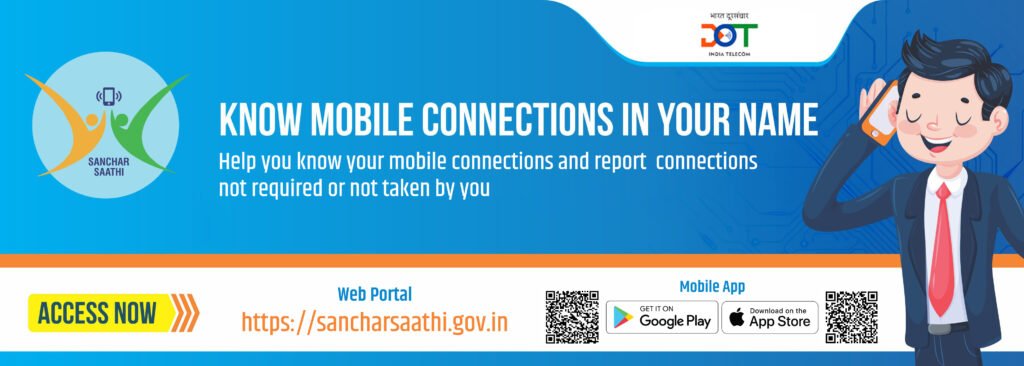
This feature allows you to see a list of all mobile numbers registered under your name and ID.
If you spot a connection you did not take, you can report it instantly for deactivation, stopping identity misuse.
Know Your Mobile (KYM):
This feature is a blessing for anyone buying a second-hand phone.
You can check the IMEI number of any device to confirm if it is genuine, or if it has been blacklisted as stolen or reported with a fake IMEI.
3. Reporting Scams (The Chakshu Feature)
With scam calls and messages becoming smarter, Sanchar Saathi introduced a way to fight back.
AKA Chakshu and its Application:
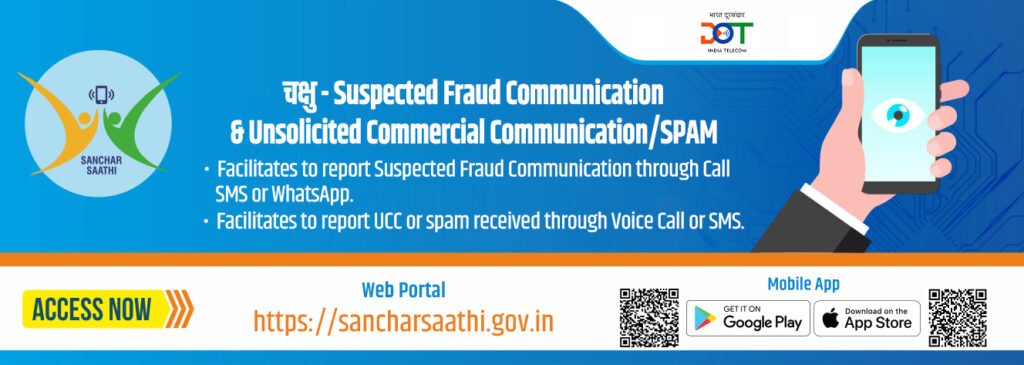
This feature lets citizens report suspicious communications like fraudulent calls, SMS, or WhatsApp messages that are trying to trick people into giving away personal or financial details.
Reporting these helps authorities take quick action against the scammers.
The Controversy: Pre-Installation Mandate and The Debate
While the app’s security benefits are clear, a recent government order has made Sanchar Saathi the subject of intense debate.
The Government’s Rationale
The government’s goal is to increase national digital security. By making the app mandatory to pre-install on all new devices, they aim to:
- Maximize Adoption: Ensure every new mobile user in India has access to these essential tools from day one.
- Combat Fraud: Directly address the rising number of telecom frauds and the use of stolen or cloned IMEI numbers, which can pose a cybersecurity threat.
- Consumer Protection: Safeguard citizens from unknowingly buying non-genuine or blacklisted devices, especially in the secondary market.
Concerns Over Privacy and Choice
The pre-installation order immediately raised questions among tech experts, privacy advocates, and mobile manufacturers.
The Privacy Angle:
Critics argue that mandating a government app on a personal device, even if the intentions are good, sets a worrying precedent.
Concerns focus on the potential for the app to eventually access “device status” or other permissions like Call/SMS logs needed for the reporting feature, and whether this could lead to state surveillance or a breach of privacy, even if the government denies this intent.
The User Choice Issue:
For many, a smartphone is a personal space.
Mandating the presence of any app takes away the user’s choice. Initial reports suggested the app could not be deleted, which fueled the controversy.
However, government officials have since clarified that the app is optional and can be deleted by the user, stating their primary role is only to introduce the security tool to every citizen.
Simple Guide: How to Use the CEIR Service
If you need to use the most critical function, blocking a lost phone is a simple process through the Sanchar Saathi portal:
- File a Police Complaint: You must first file a First Information Report (FIR) at the nearest police station.
- Visit the Portal: Go to the official Sanchar Saathi website (sancharsaathi.gov.in).
- Block Your Device: Click on the option to “Block Your Lost/Stolen Mobile Handset.”
- Fill Details: You will need to enter information about your device (IMEI, mobile numbers), the place and date it was lost, a copy of the FIR, and your personal details (Owner Name, Address, Identity Proof).
- Submit and Track: Once submitted, you receive a Request ID which you can use to track the status of your request and, later, unblock the phone if it is recovered.
Conclusion: Balancing the Scales
The Sanchar Saathi app represents a significant, proactive step by the government to enhance digital security for Indian mobile users.
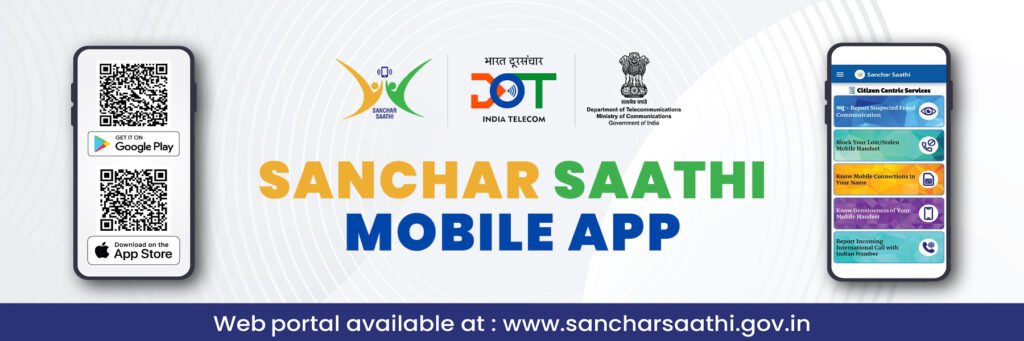
Its features, such as blocking stolen phones and identifying fraudulent connections, are powerful tools that offer genuine benefits.
The current controversy surrounding the pre-installation mandate is a healthy debate about where to draw the line between national security and individual digital freedom.
The success of Sanchar Saathi will not just depend on its technical features, but also on transparency policies on what data is used, how long it is kept, and the assurance that the app will not be used beyond its stated purpose of protecting citizens from crime.
Ultimately, Sanchar Saathi is a tool.
Like any powerful tool, it requires informed use, clear communication, and ongoing public trust to be truly effective.